
Ordering Process
Step 1
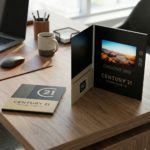
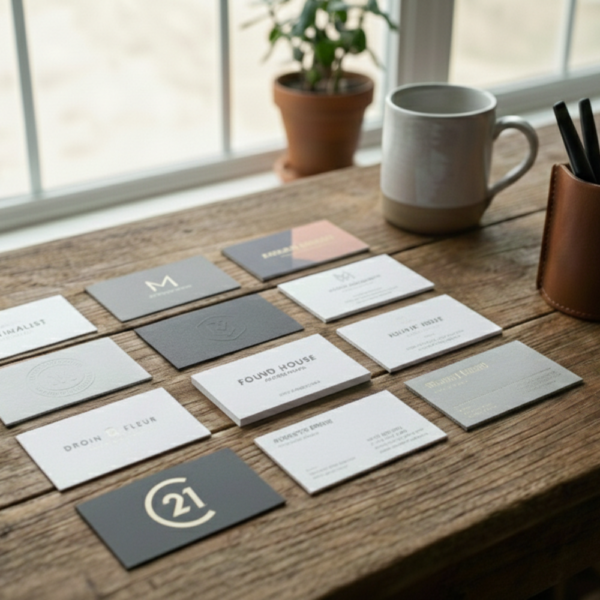
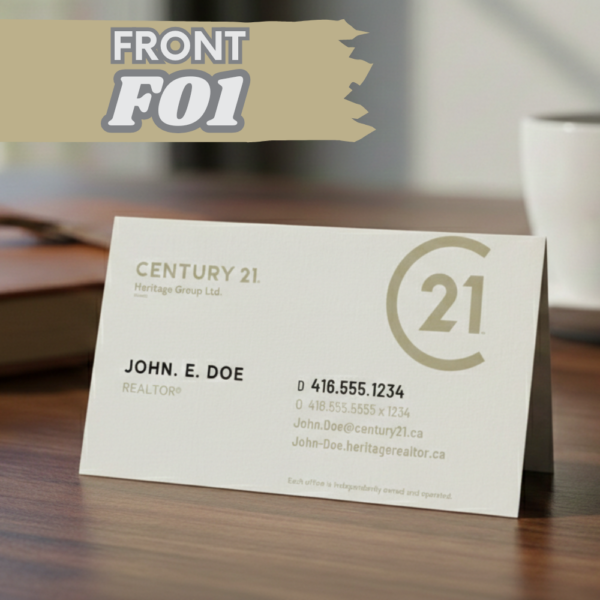
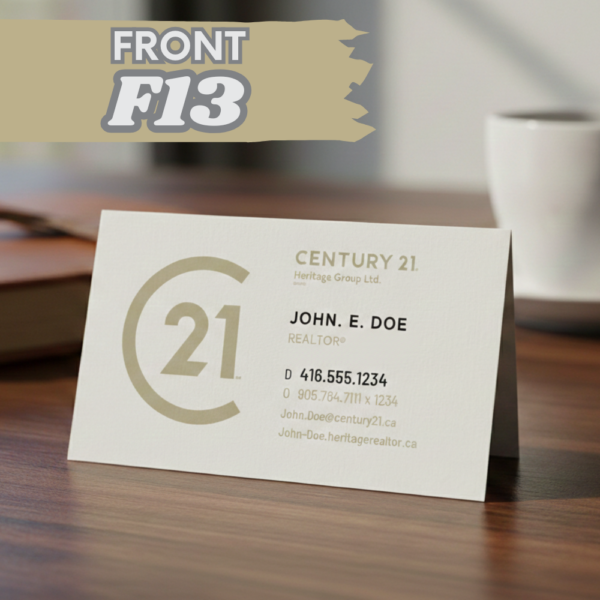
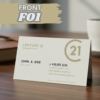
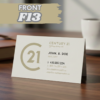
Browse the image gallery to determine which designs you want to use for the front and back of your business card designs. Note the names of the design (ie. F13, B16, etc)
Step 2
Choose your customization options for your cards (thickness, design of front and back, finish, etc) as well as the quanity you’d like to order above
Step 3
Input the important information you want to put on the card (Name, Phone Numbers, Photos, etc), uploading any files or adding any notes to assist with your design
Step 4
Proceed through the checkout. Our graphic design team will contact you with your proof for approval prior to printing. If they have any questions, they’ll be in touch.
NOTE
All of our designs are available free for use in Canva. All of the links to the designs are below. If you want to customize the designs yourself, you can submit a PDF of your creation from Canva along with the customization options.
Canva Links
Front Designs – F01 | F02 | F03 | F04 | F05 | F13
Back Designs – B01 | B02 | B03 |B04